

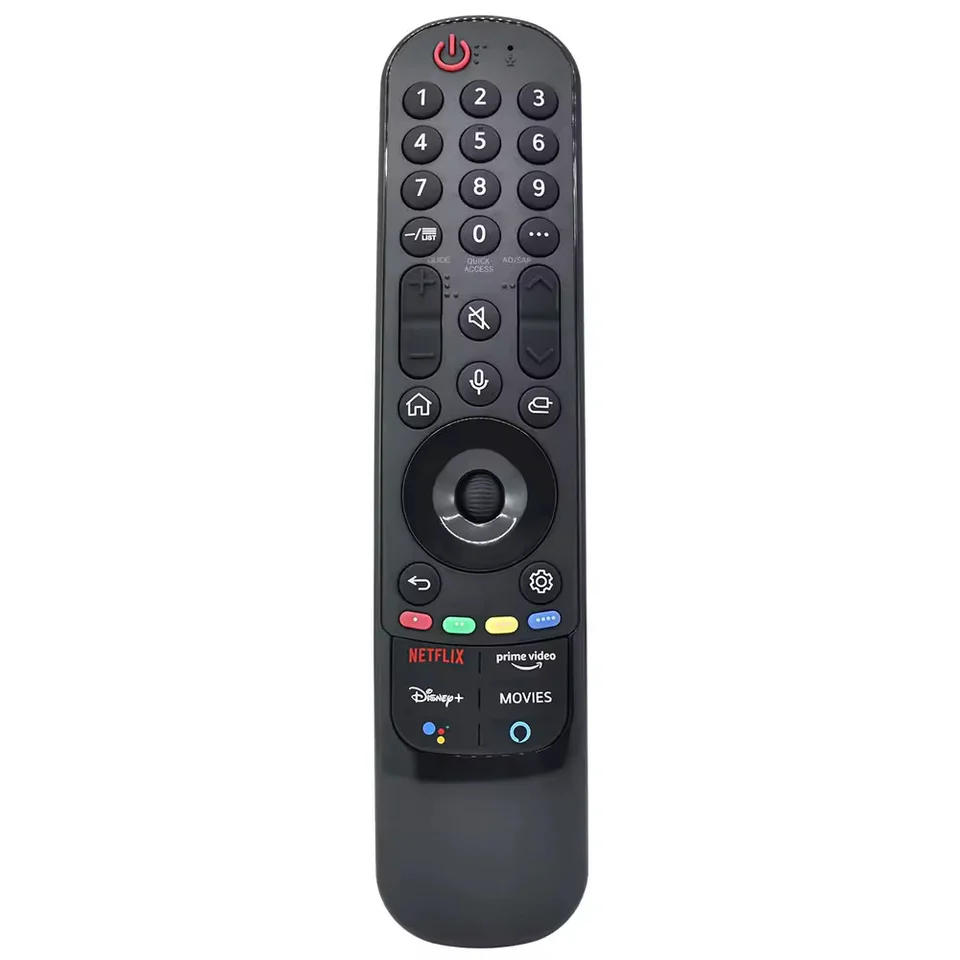
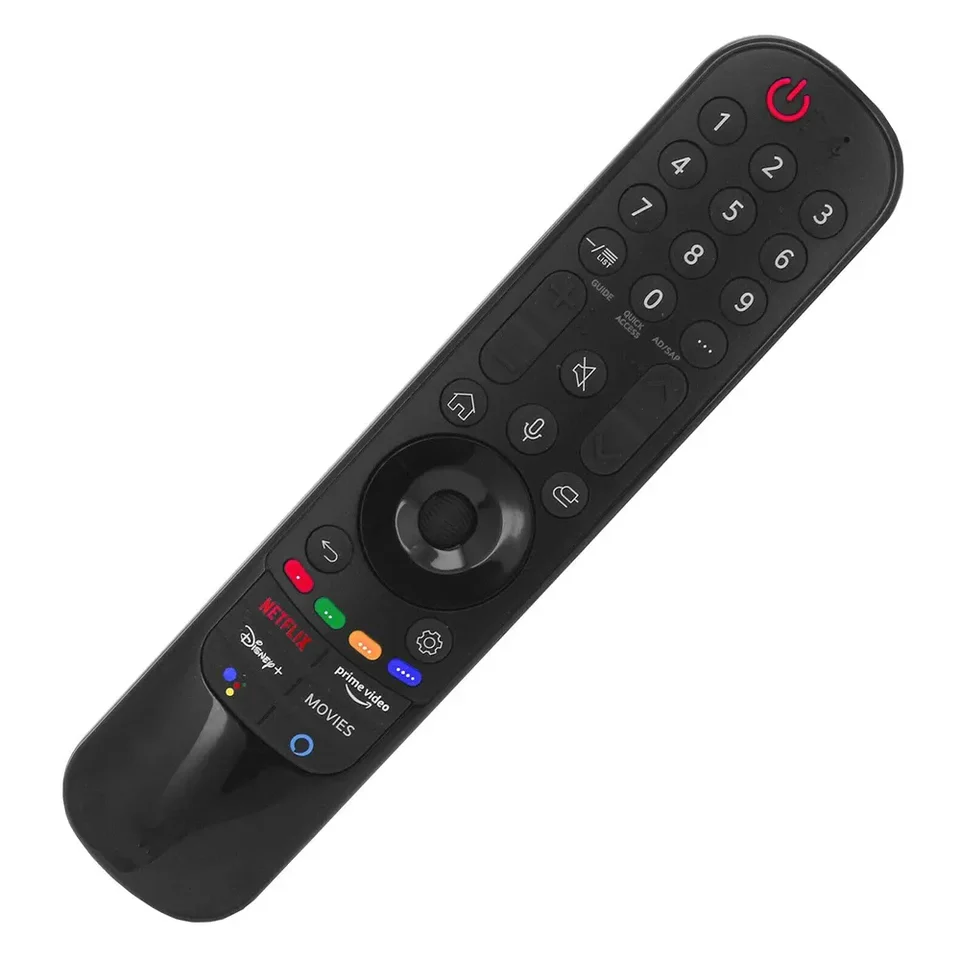
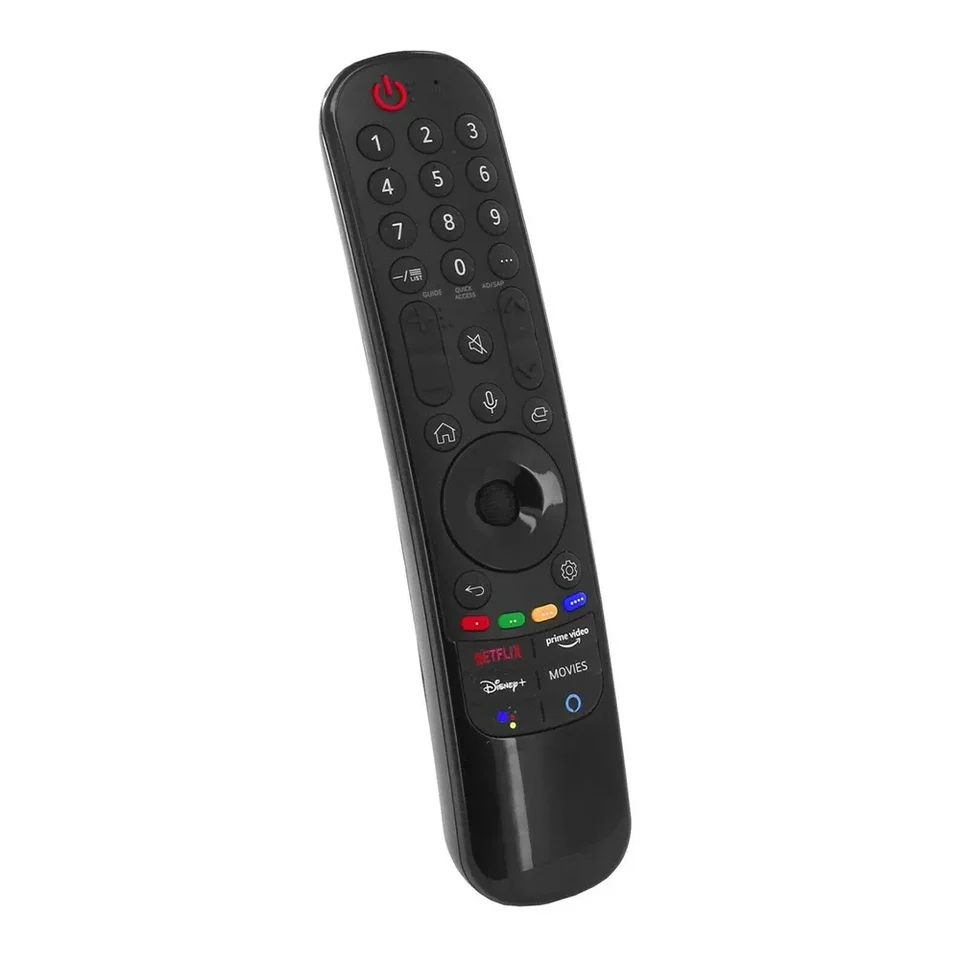
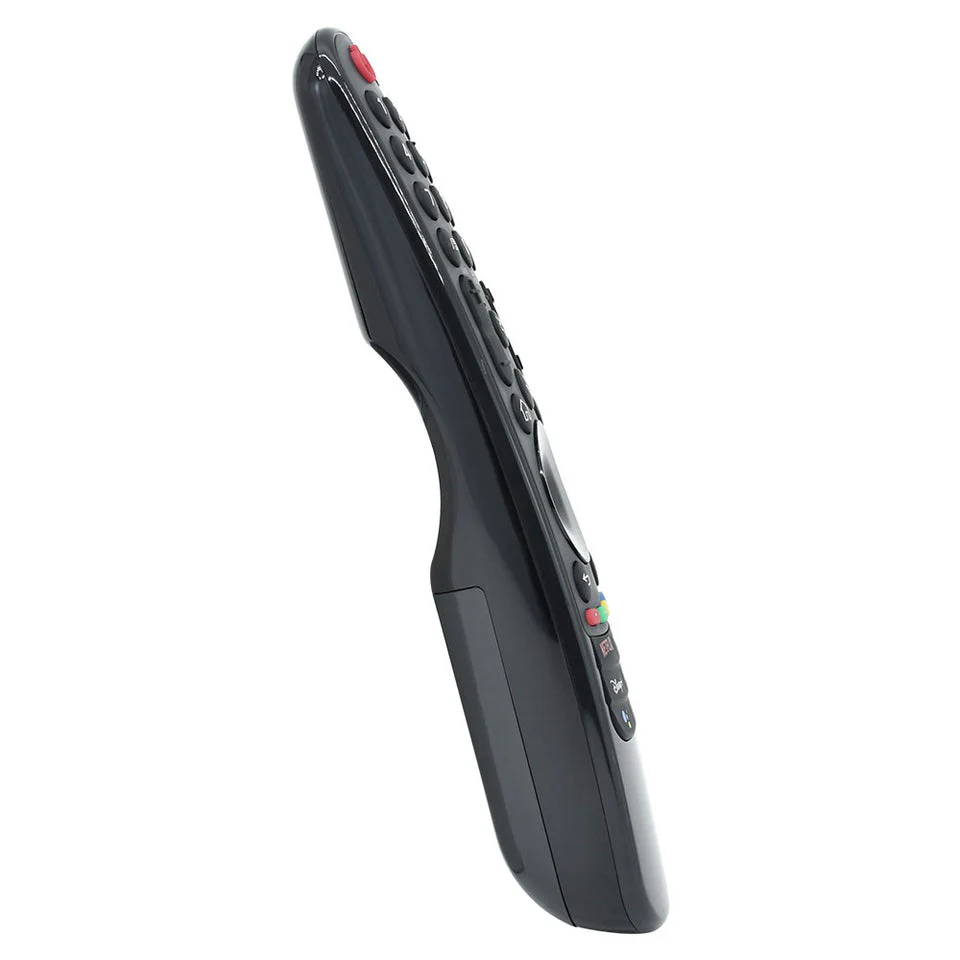
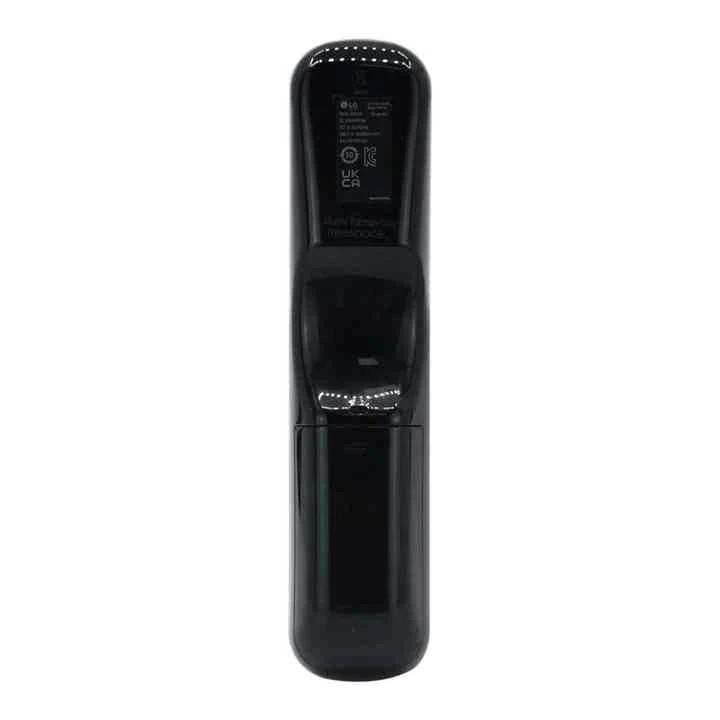


AN-MR21GA Replacement Remote with Voice & Mouse Function for LG Televisions (Movies Button)
$49.99 Original price was: $49.99.$39.99Current price is: $39.99.
- Compatibility: LG AN-MR21GA Magic Remote replacement for the compatible LG TV models listed in the description (Movies button version).
- Voice + Mouse: Built-in mic and Magic Pointer/scroll wheel (register via Wheel/OK to enable these features).
- Power & Setup: No programming; uses 2x AAA batteries (not included).
31 in stock
LG TV Magic Remote with Voice and Mouse Compatibility
Restore click-and-go navigation on your LG Smart TV using the Replacement Remote Control for LG AN-MR21GA (Movies button version). It’s designed to feel and function like your original Magic Remote, and once you insert your batteries, it’s good to go for basic control. You can register the remote to your TV for pointer and voice control.
⚡ Product Highlights
LG AN-MR21GA Technical Specifications
| Compatible Model Number | Replacement for AN-MR21GA (Movies button version) |
| Connectivity | Bluetooth (Magic Remote) + Infrared (IR) |
| Pairing / Registration | Press Wheel (OK) while pointing at the TV to register (needed for pointer/voice). |
| Battery Required | 2x AAA (Not Included) |
| Notable Buttons | Movies button, Wheel/OK (scroll), Home, Back, Settings, input/navigation controls |
| Material | Durable ABS Plastic |
| Warranty | 1-Year Limited |
| Brand | LG Compatible |
LG AN-MR21GA Key Features
- Magic Pointer + scroll wheel: Point, click, and scroll for fast menu navigation (register the remote to enable Magic functions).
- Voice control ready: Built-in microphone for voice search on supported LG webOS TVs after registration.
- Quick registration: With the TV on, point the remote at the TV and press Wheel (OK) to register; a confirmation message should appear.
- Unpair / re-register if needed: Hold HOME + BACK together for ~5 seconds to unpair, then press Wheel (OK) again to re-register.
- Movies button layout: This variant includes the dedicated Movies button (layout may vary slightly by region/TV).
Compatibility Guide
This remote is intended as a replacement for LG AN-MR21GA Magic Remote models used with compatible LG OLED/UHD/Nano/QNED TVs. For best results, match the remote model printed on your original remote (AN-MR21GA) before ordering.
⚠️ Battery Note
Requires 2x AAA batteries (sold separately). Please ensure fresh alkaline batteries are used for best performance.
Replaces Remote Models
Compatible TV Models
| Brand | LG |
|---|---|
| Model | AN-MR21GA |
| Power Source | 2x AAA (Not Included) |
Be the first to review “AN-MR21GA Replacement Remote with Voice & Mouse Function for LG Televisions (Movies Button)” Cancel reply
Shipping Policy
We aim to make shipping simple, fast, and transparent. This Shipping Policy explains how AussieRemotes.com dispatches orders, estimated delivery times, shipping costs, and what to do if something goes wrong.
Shipping destinations
- Australia-wide shipping: We ship to residential and business addresses across Australia.
- International shipping: International delivery may be available for selected destinations (where offered at checkout). Please note the “Free Delivery Worldwide*” messaging refers to eligible orders/destinations and may not apply to all locations or services.
Note: If shipping to your location is unavailable, the checkout will indicate this.
Order processing & dispatch
- Processing time: Orders are typically processed on business days (Monday to Friday, excluding public holidays).
- Dispatch timeframe: We aim to dispatch orders as quickly as possible. During peak periods (sales/holidays), processing may take a little longer.
Shipping costs
- Free shipping over $50: Standard shipping is free on eligible orders over $50 (as advertised on our website).
- Orders under $50: Shipping rates (if applicable) are calculated at checkout based on destination and service.
Free shipping promotions may be updated from time to time and can be subject to eligibility rules (e.g., destination, order value, and service type).
Tracking
Where tracking is available for your selected shipping service, we will send tracking details by email once your order has been dispatched. Tracking updates may take time to appear after lodgement.
Estimated delivery times (after dispatch)
Delivery times vary depending on your location and the carrier/service selected at checkout. As a general guide (and subject to change by carriers):
- Australia Post Parcel Post: Same state typically 2–4 business days; interstate typically 3–6 business days.
- Australia Post Express Post: Same state typically 1–2+ business days; interstate typically 1–3+ business days (next business day is only within the eligible Express Post network and conditions).
- Special-order, discontinued, legacy, or limited-availability remotes:These products may be dispatched directly from the manufacturer or an authorised supply partner. Estimated delivery for these products is generally 6–12 business days
Authority to Leave / safe drop
Some carriers may leave parcels in a safe place if no one is available. If your delivery address is not secure, we recommend using a delivery address where someone can receive the parcel, or selecting a service option (where available) that requires a signature.
Incorrect address details
Please double-check your delivery details at checkout. If an order is returned to us due to an incorrect or incomplete address, you may be responsible for any reshipping costs.
Split shipments
If your order contains multiple items, we may ship items separately, including where some products are dispatched directly from the manufacturer or an authorised supply partner. If this occurs, you may receive more than one dispatch confirmation and/or tracking number.
Delays, lost parcels, and damage in transit
- Delays: Carrier delays can occur due to peak periods, weather events, remote/regional delivery routes, manufacturer availability, customs processing, or operational disruptions.
- Lost parcels: If your tracking has not updated for an extended period, contact us and we’ll help you lodge an enquiry with the carrier.
- Damaged items: If your order arrives damaged, please contact us promptly with photos of the packaging and item so we can assist.
Questions
If you have any questions about shipping, delivery timeframes, or your order status, please contact us via our Contact page and include your order number for faster help.
Reviews
There are no reviews yet.